The Alder House: the Google package
How The Alder House shows up on Google and in shared links decides whether people choose it or scroll on to the next name. We write every line and put it live on your website for you.
1. How you look on Google
The title and description Google shows for your main page, written from your own site in the words customers search for.
Before: the result shows the title “Untitled” and the description “No information is available for this page.”.
- The page has no title at all
- No description for Google to show
- Easy to miss, even for people searching the name
After: the title reads “The Alder House · Guesthouse near the Forest in Glenmore” and the description reads “Six quiet rooms with private bathrooms and breakfast included, at the edge of the forest in Glenmore. Check availability and book direct.”.
- Name, kind of stay and place in the title
- Private bathrooms and breakfast: what guests check first
- Book direct, without a booking site's fee
2. Your link, when someone shares it
A 1200 by 630 share image in your colours, plus the tags that tell WhatsApp, Facebook and LinkedIn what to show.
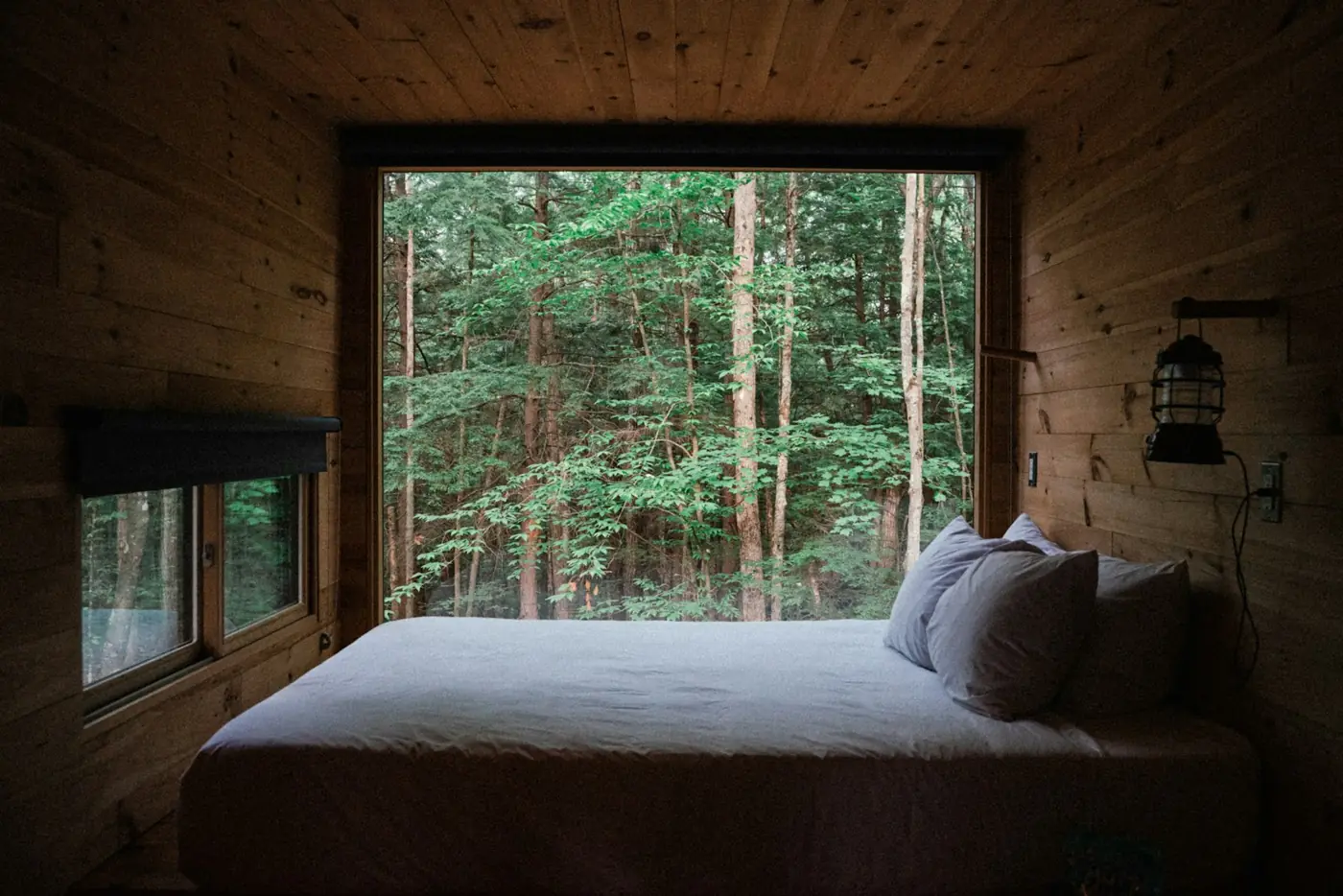
3. A description for every image
Screen readers read these aloud, and image search uses them to understand your photos. We write one for every image on your main pages.
alt="room1.jpg"alt="A wood-panelled bedroom with a wide bed facing a large window full of forest."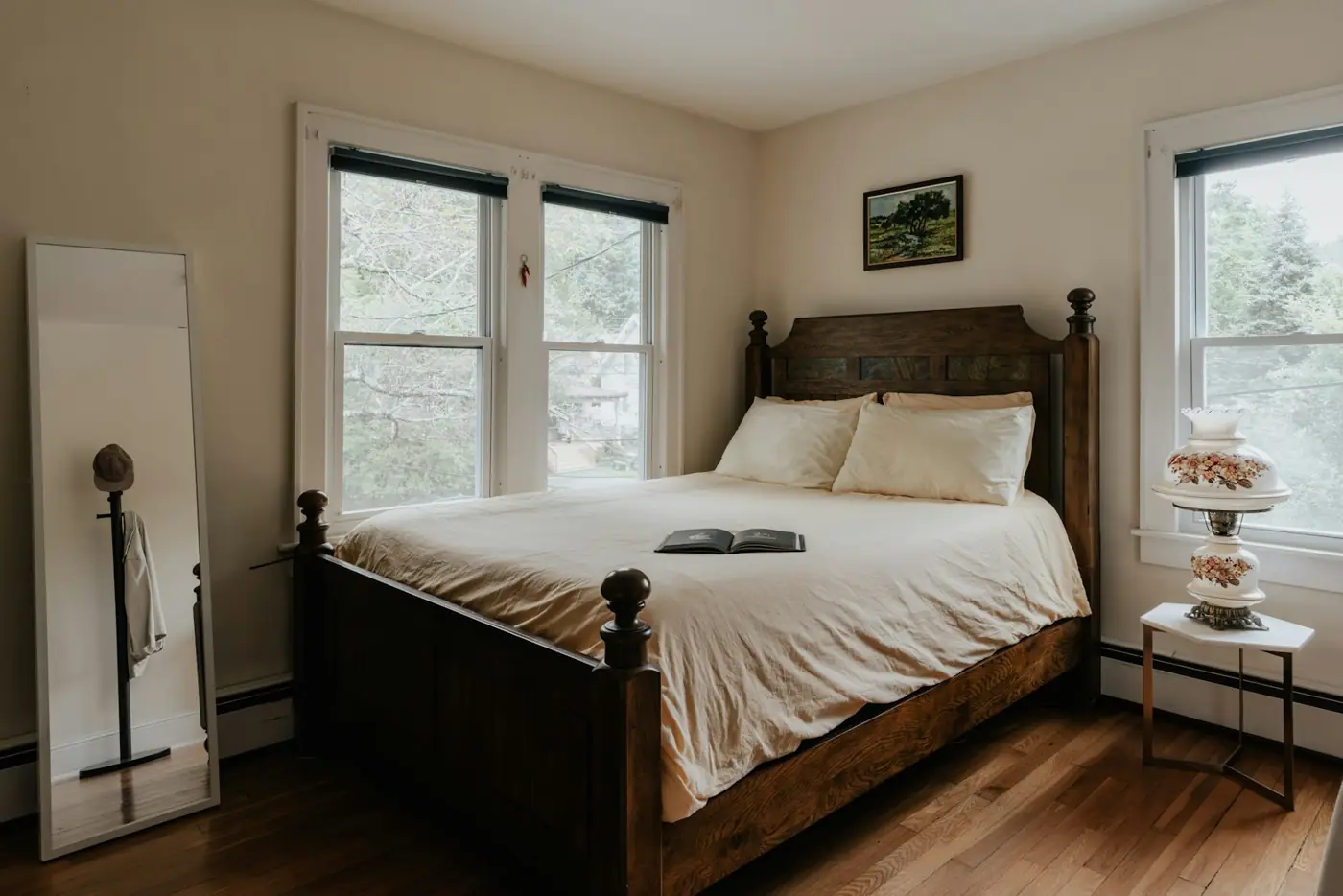
no alt text at allalt="A bright bedroom with a dark wooden bed, white linen and two windows."All three for $29, made from your own site.
Or $49 together with an online booking page. You see your own version before you pay, and you never share a password.